Worst Injector Recall & Elimination Effects: How to Apply Them
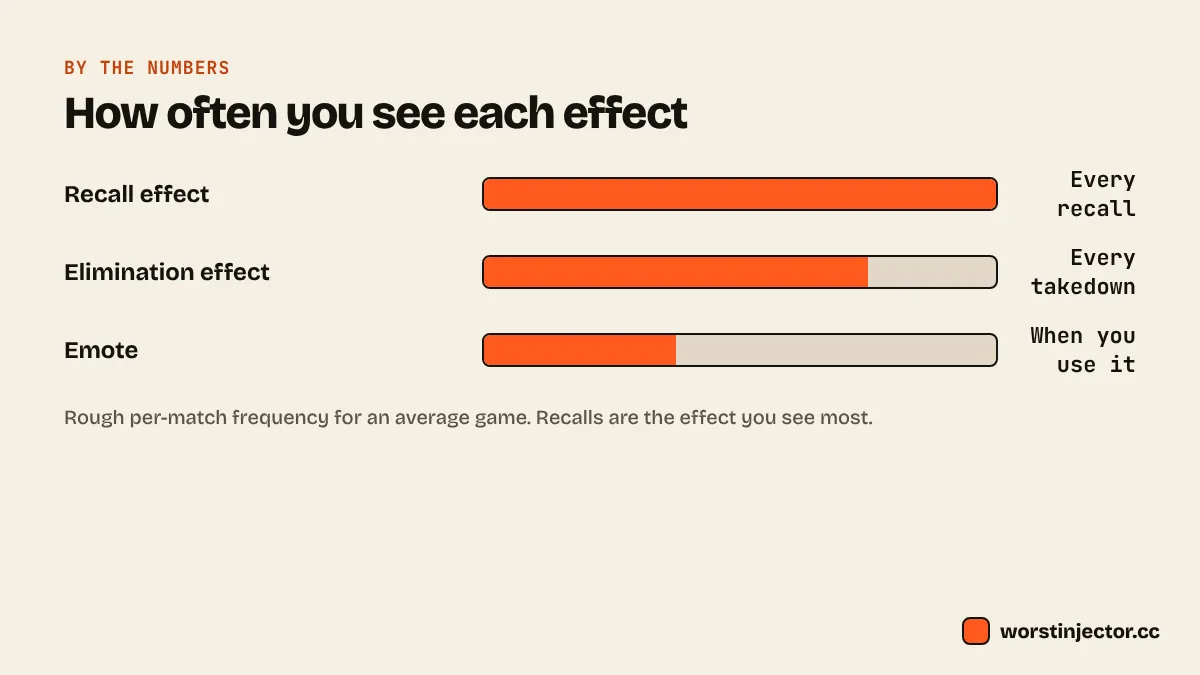
Skins get most of the attention, but recall animations and elimination effects are what make Worst Injector feel different in every match. A custom recall plays every time you go back to base, and an elimination effect plays every time you take someone down.
This guide shows where to find both in Worst Injector, how to apply and reset them, and what to do when they don’t show up.
Quick answer: Close Mobile Legends, open Worst Injector, go to the Recalls or Effects tab, pick one and tap Inject. Then open the game and use it in a match.
What are recall and elimination effects?
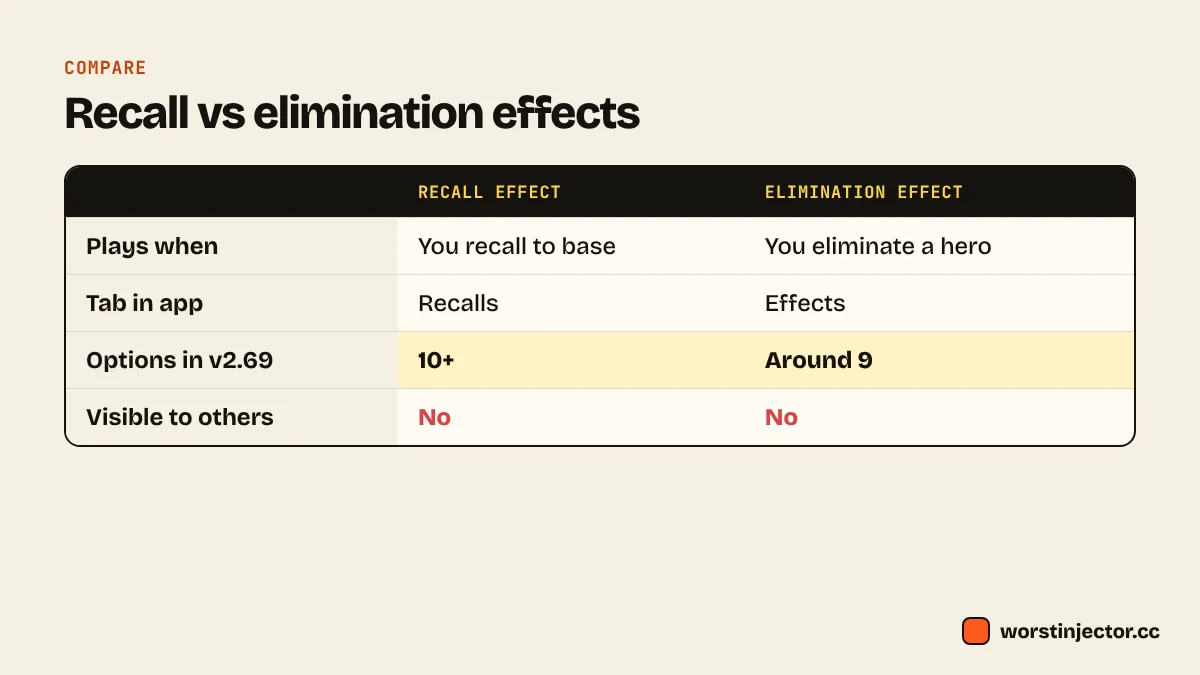
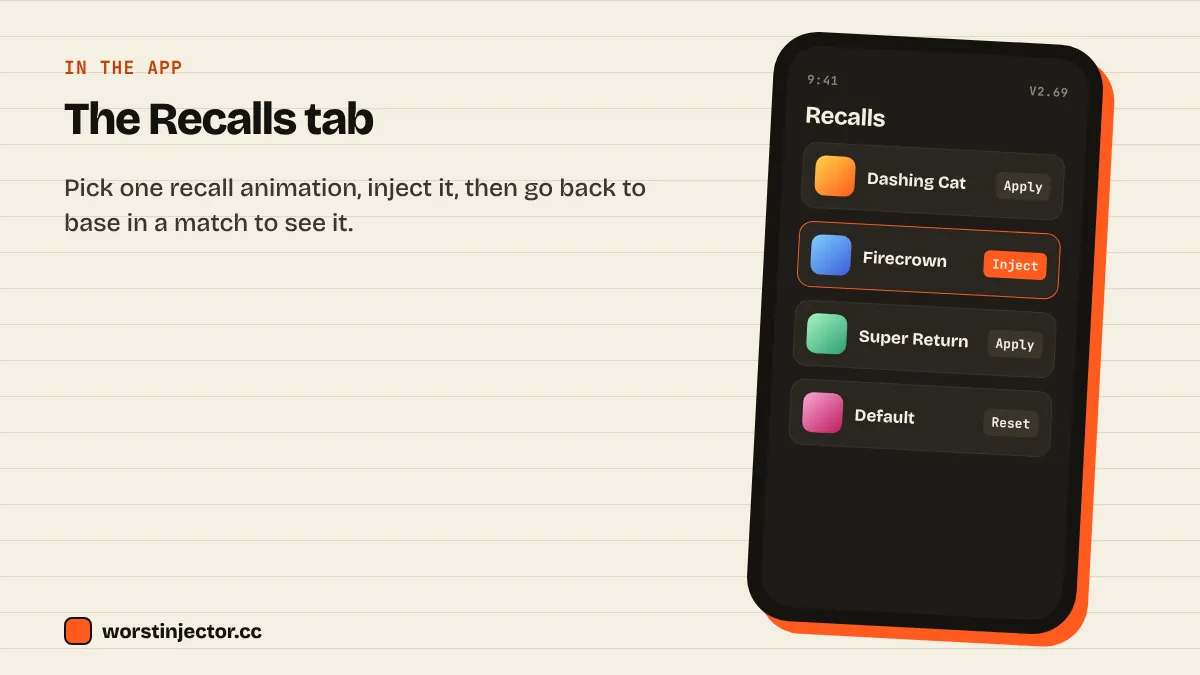
- Recall effect: the animation that plays when you recall to base. Instead of the default, you might get options like Dashing Cat, Firecrown or Super Return.
- Elimination effect: the visual that appears when you eliminate an enemy hero, such as KO, Roaming Ghost or Super Kill.
In the real game, many of these are sold in the shop or given in events. Worst Injector applies them locally so you can see them on your device.
How to apply a recall effect
- Close Mobile Legends completely.
- Open Worst Injector and tap the Recalls tab.
- Pick a recall and tap Inject. Wait for the “done” message.
- Open Mobile Legends and start a match (Classic or practice mode is best for testing).
- Recall to base and you’ll see the new animation.
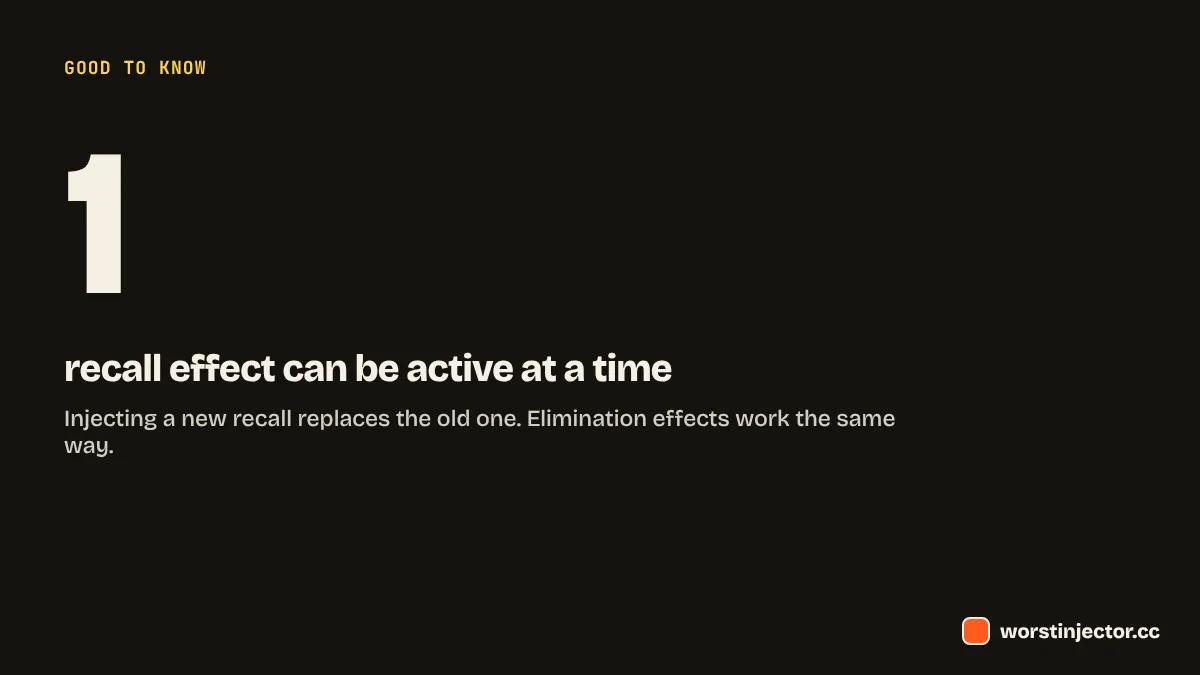
You can only have one recall active at a time. Injecting a new one replaces the old one.
How to apply an elimination effect
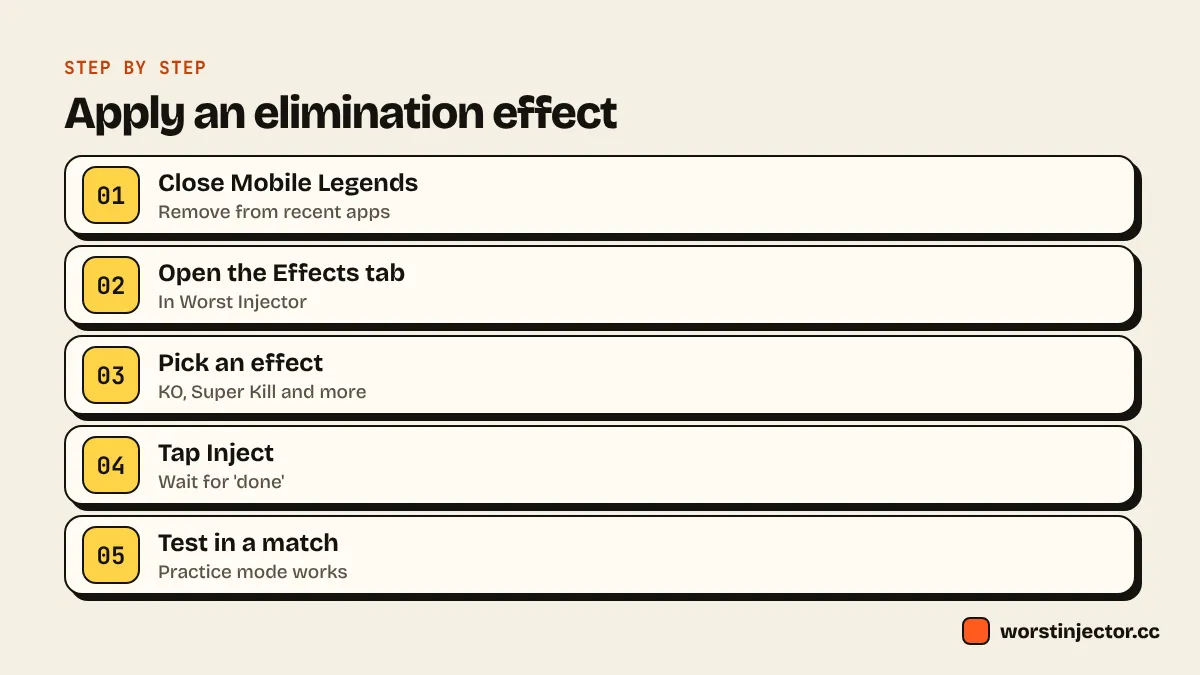
- Close Mobile Legends.
- In Worst Injector, open the Effects (elimination) tab.
- Choose an effect and tap Inject.
- Open the game and get an elimination to see it. Practice mode against bots is the fastest way to test.
Testing effects safely
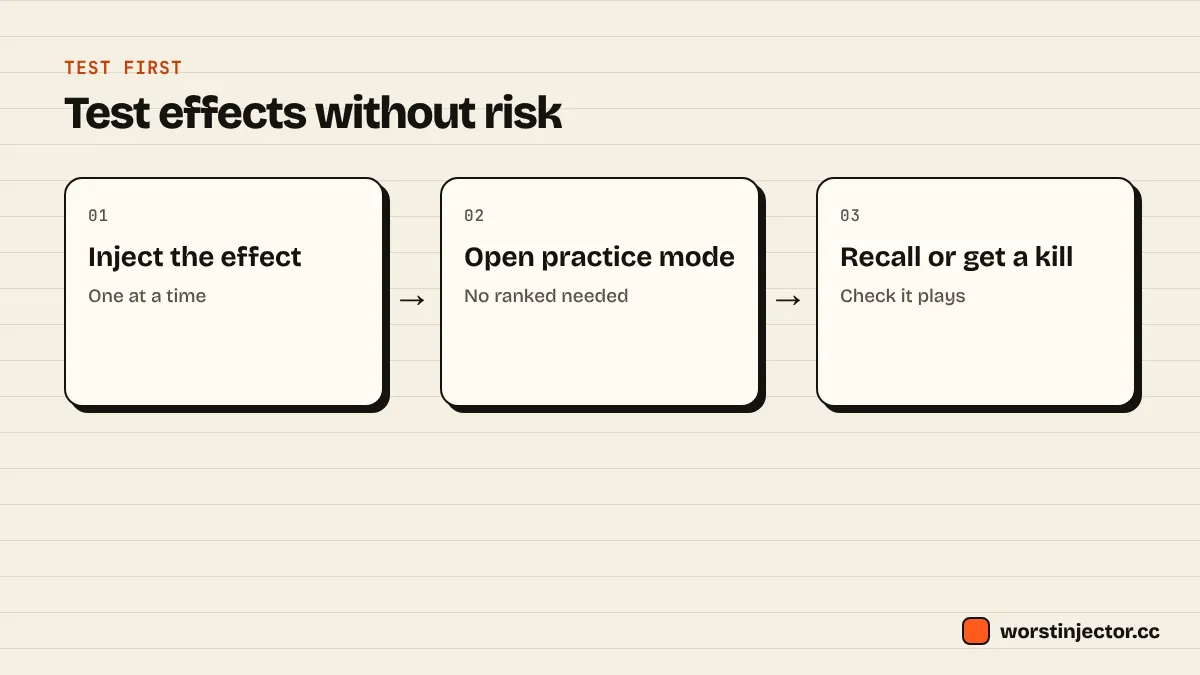
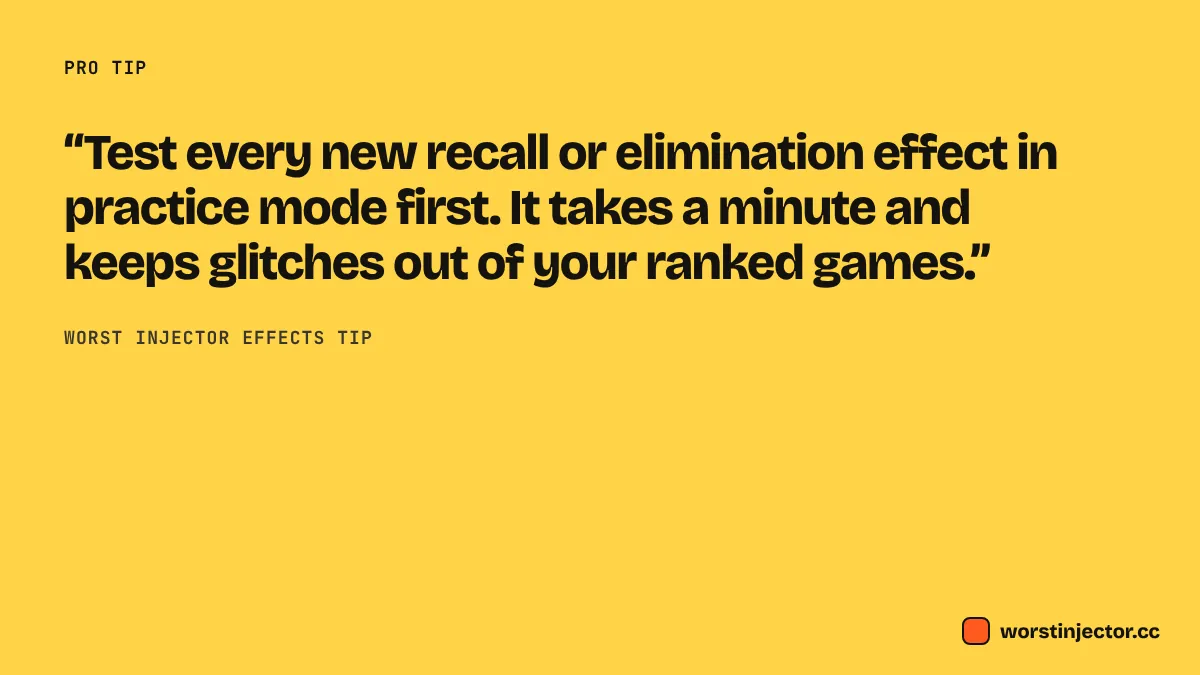
Test new effects in practice mode or Classic before using them in ranked. If an effect causes a crash or a black flash, restore it before going into a ranked game.
How to reset to the default recall or effect
- Open Worst Injector.
- Go to the Recalls or Effects tab.
- Tap Default / Reset, or use the main Restore option to reset everything.
- Restart Mobile Legends.
See our full restore default skins guide for other methods.
Recall or effect not showing? Fixes
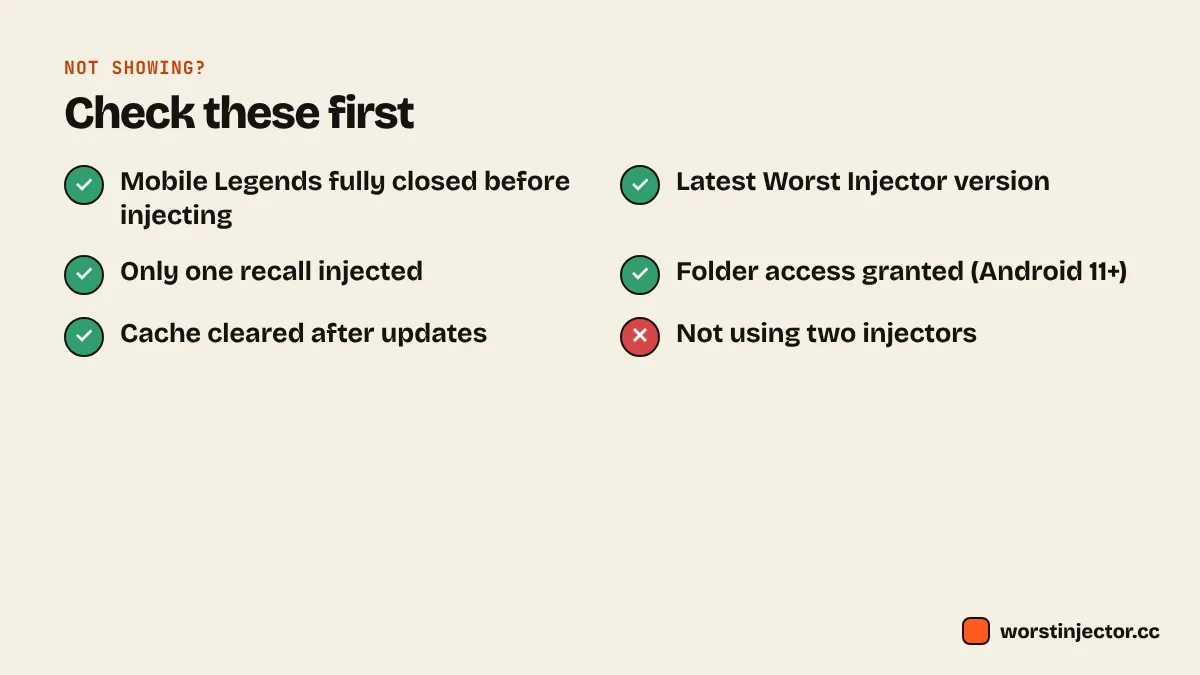
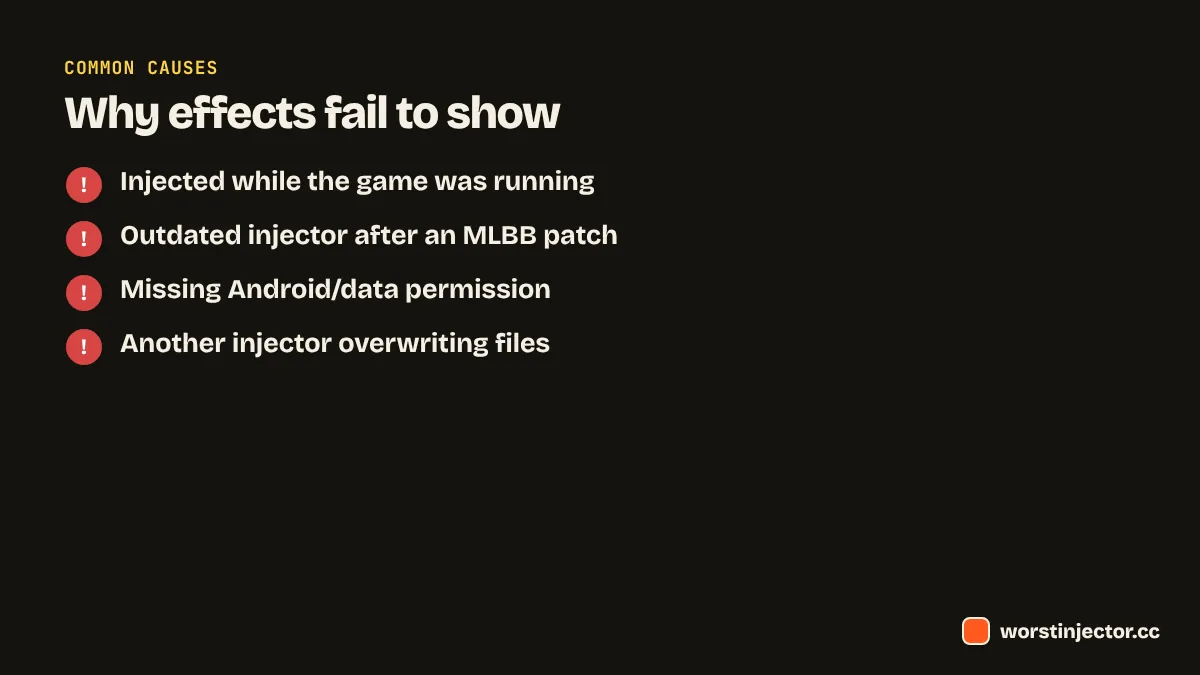
- Game was open while injecting. Close it fully, inject again and reopen.
- Outdated build. After a Mobile Legends update, old builds can’t match new files. Update using our version history.
- Folder access missing. On Android 11+, grant access again. See our Android/data access fix.
- Cached files. Clear the Mobile Legends cache and try again.
- Two injectors installed. Another injector may be overwriting the same files.
Do other players see your recall or elimination effect?
No. Like injected skins, recall and elimination effects only appear on your phone. Other players see your default or owned effects. That’s also why the ban risk is lower than for gameplay cheats, though not zero. Read is Worst Injector safe?
FAQs
How many recall effects does Worst Injector have?
The current build offers 10+ recall animations and around 9 elimination effects. The list changes with updates.
Can I use a recall effect and a skin at the same time?
Yes. Skins, recalls, elimination effects and emotes are separate, so you can inject one of each.
Do effects reset after a game update?
Often, yes. Big Mobile Legends updates replace game files. Inject your effects again after updating, using the latest Worst Injector build.
Get the newest build to access every effect: download Worst Injector v2.69.