Worst Injector for iPhone (iOS): Does It Work in 2026?
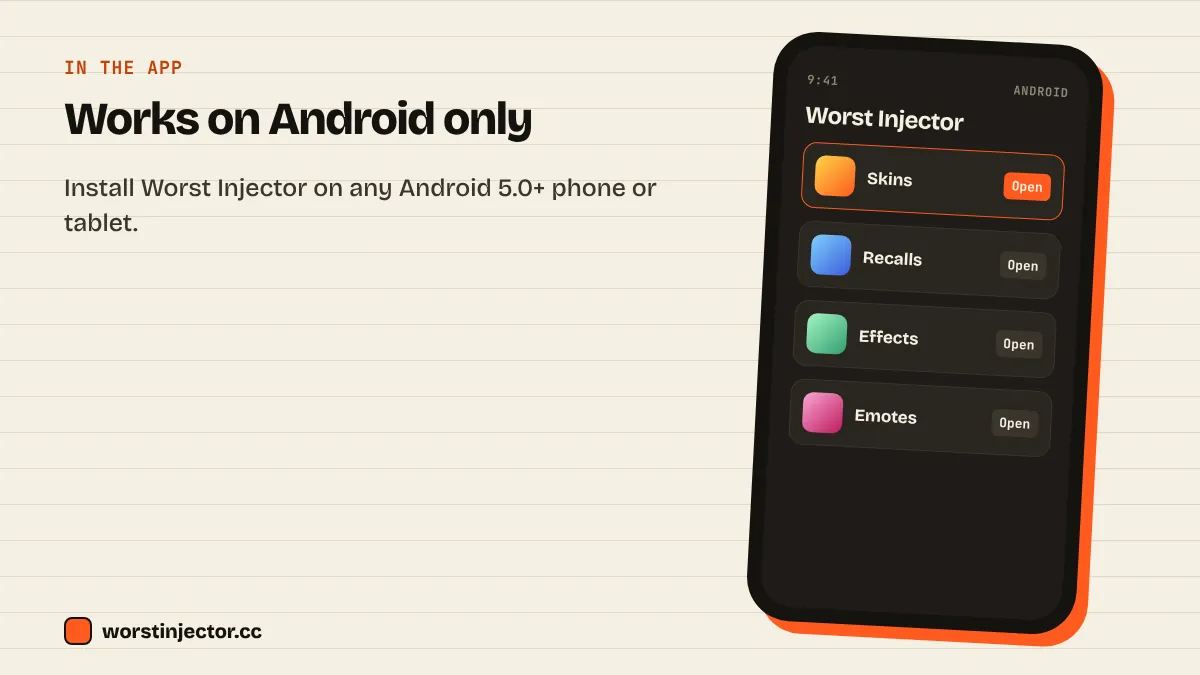
Many Mobile Legends players on iPhone search for “Worst Injector iOS” hoping for a version they can install. Here’s the honest answer: there is no working Worst Injector for iPhone or iPad. Worst Injector is an Android-only app, and the way it works isn’t possible on a normal iPhone.
This article explains why, which “iOS injector” sites to stay away from, and what iPhone players can actually do.
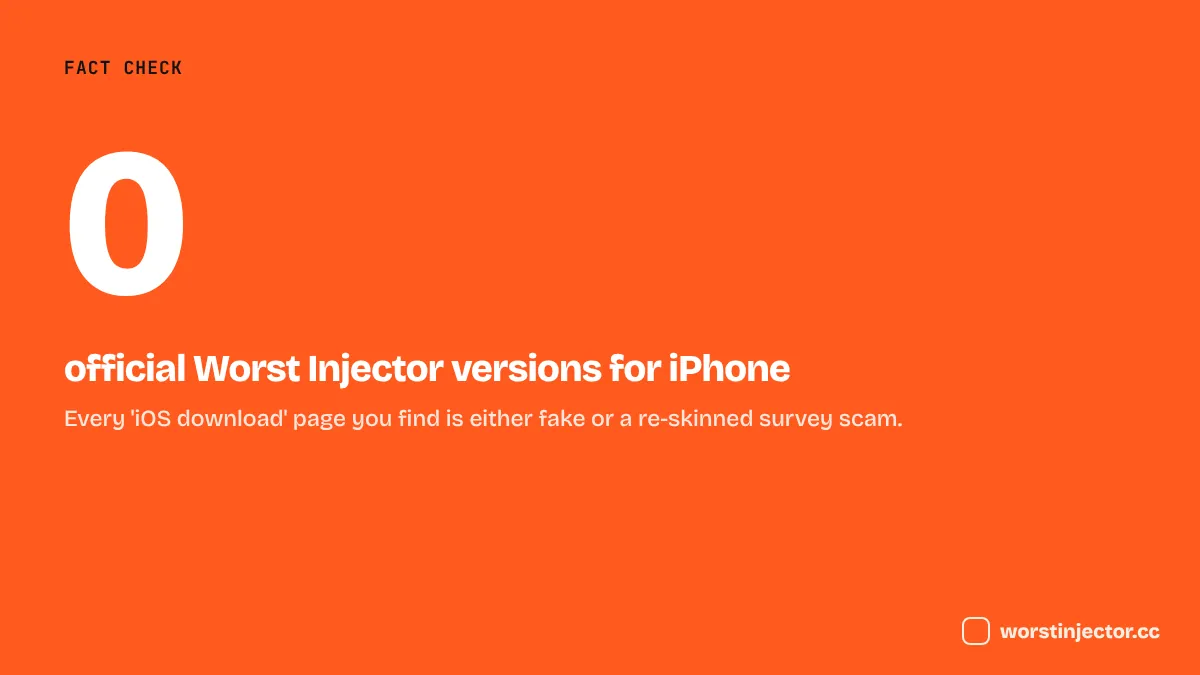
Short answer: Worst Injector only works on Android. Any site offering a “Worst Injector iOS download” is very likely a scam built to collect your data or make you complete surveys.
Why Worst Injector doesn’t work on iPhone
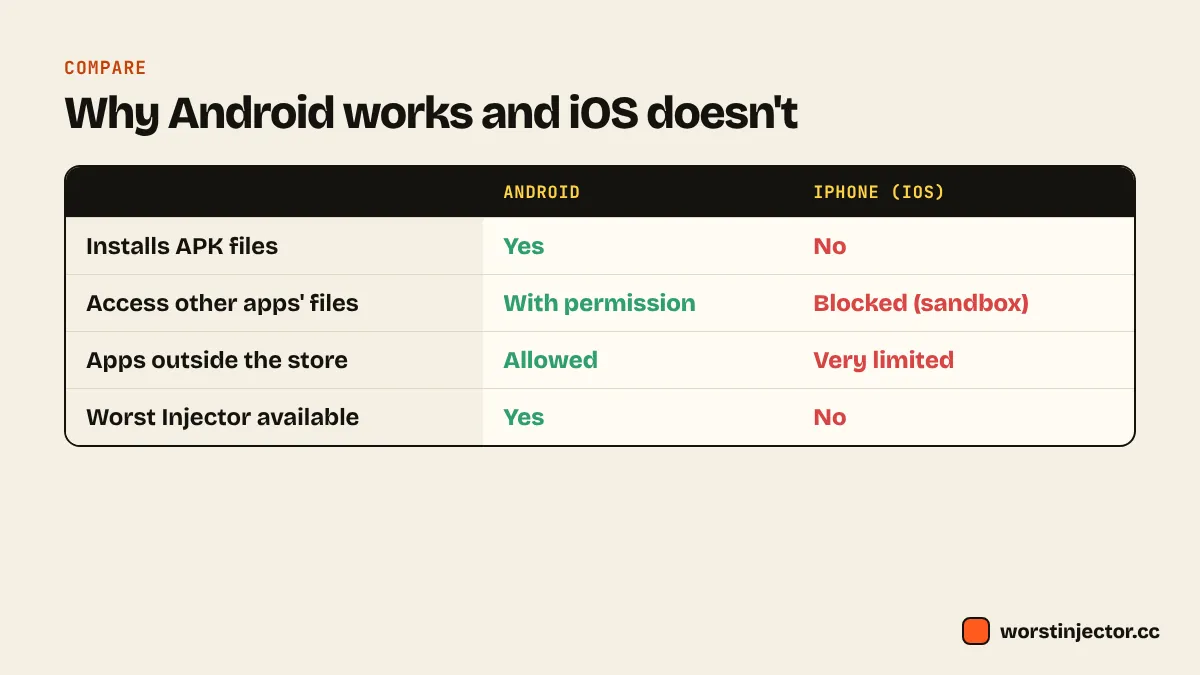
Worst Injector works by replacing visual files inside the Mobile Legends folder on Android (in Android/data). iOS is built very differently:
- Apps are sandboxed. On iOS, one app can’t read or change another app’s files. An injector can’t reach the Mobile Legends folder.
- No APK files. iPhones don’t install Android APK files at all. iOS apps use a different format and are normally installed only from the App Store.
- Strict signing. Apps from outside the App Store need special certificates, and these get revoked regularly.
Watch out for fake “Worst Injector iOS” sites
Because so many players search for it, scam sites make fake iOS download pages. They usually follow the same pattern:
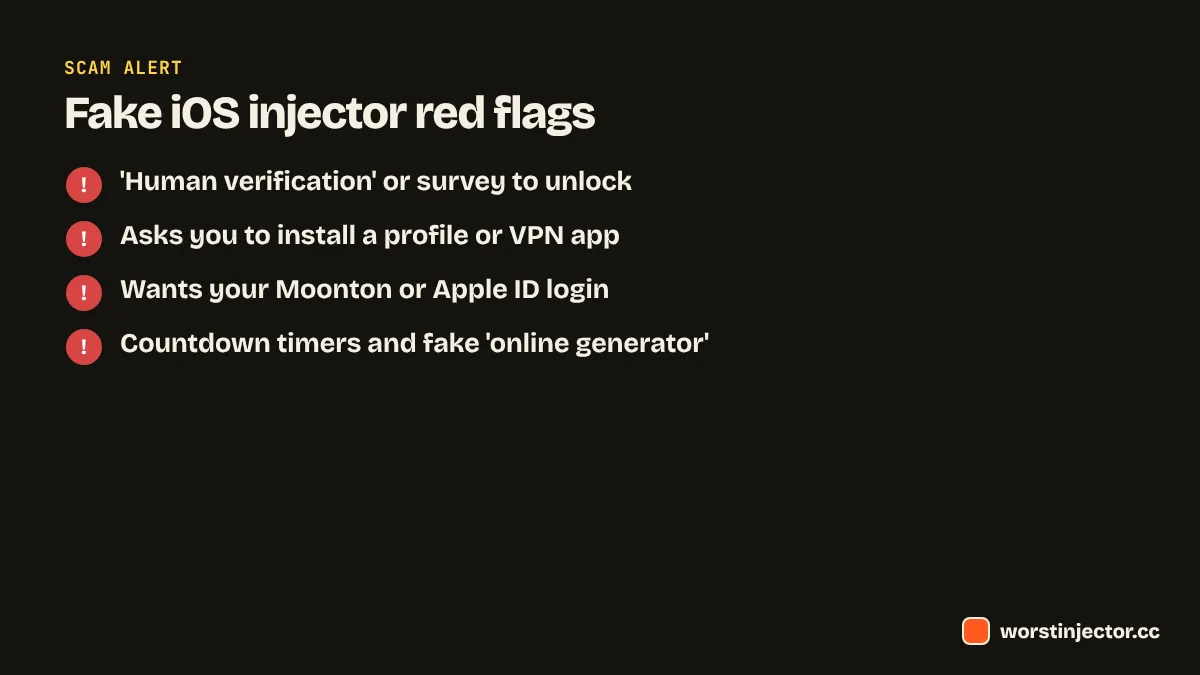
- “Verify you’re human” surveys. You complete offers or install apps, and the download never arrives.
- Configuration profiles. Some ask you to install a profile, which can give the site control over your device’s network or settings.
- Login requests. Never enter your Apple ID, Moonton, Google or Facebook login on these pages.
If a site claims to have Worst Injector for iOS, close it. There’s no real version to download.
What about jailbroken iPhones?
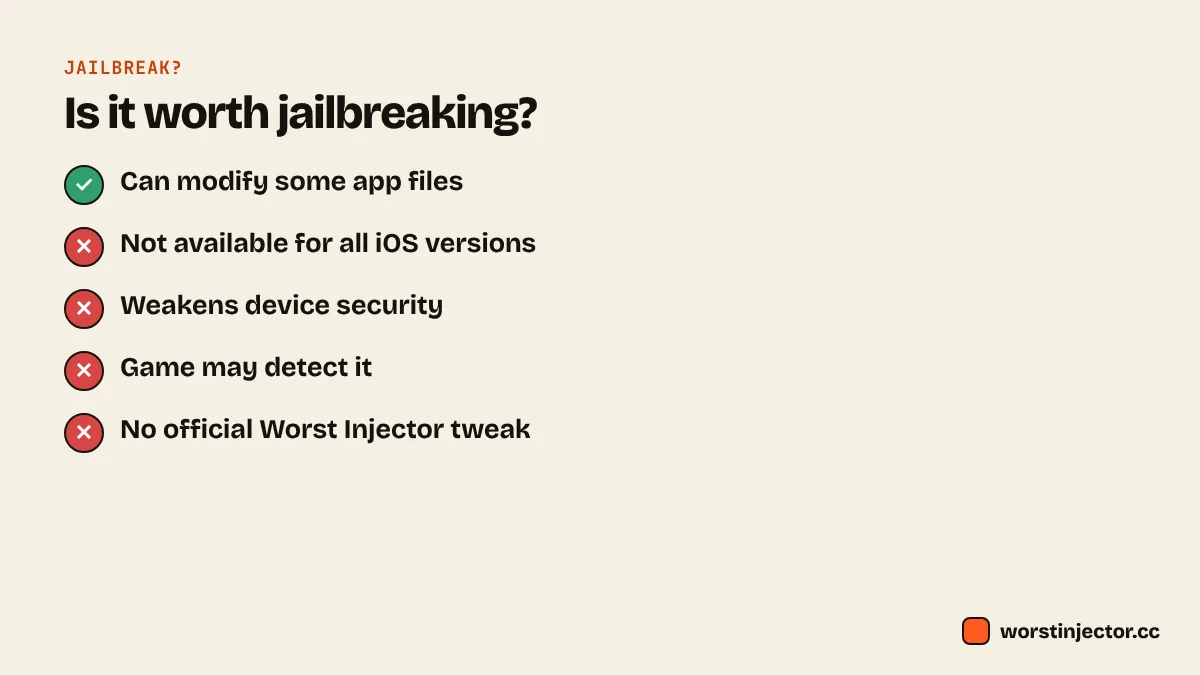
Jailbreaking removes some of iOS’s restrictions, and in theory jailbroken devices can modify app files. In practice, we don’t recommend it:
- Jailbreaks aren’t available for every iOS version and break with updates.
- It weakens your phone’s security.
- Mobile Legends can detect some jailbroken devices.
- Worst Injector still has no iOS build, so you’d be relying on unknown tweaks.
What can iPhone players do instead?
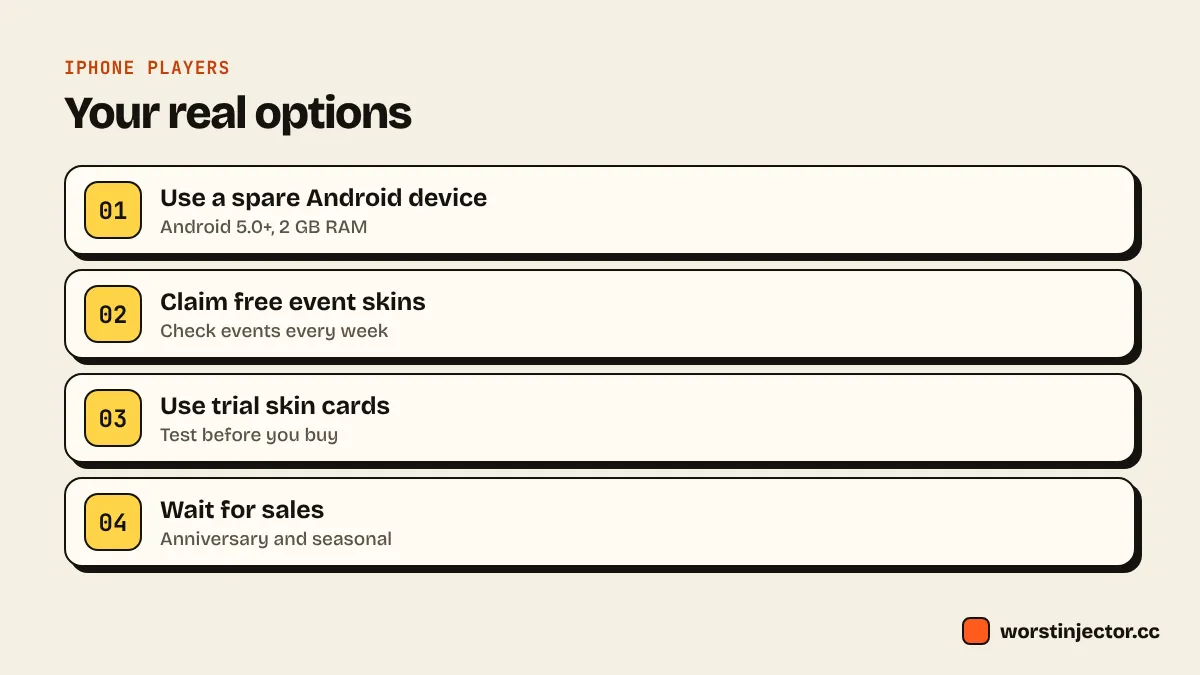
If you’re on iPhone, these are your realistic options:
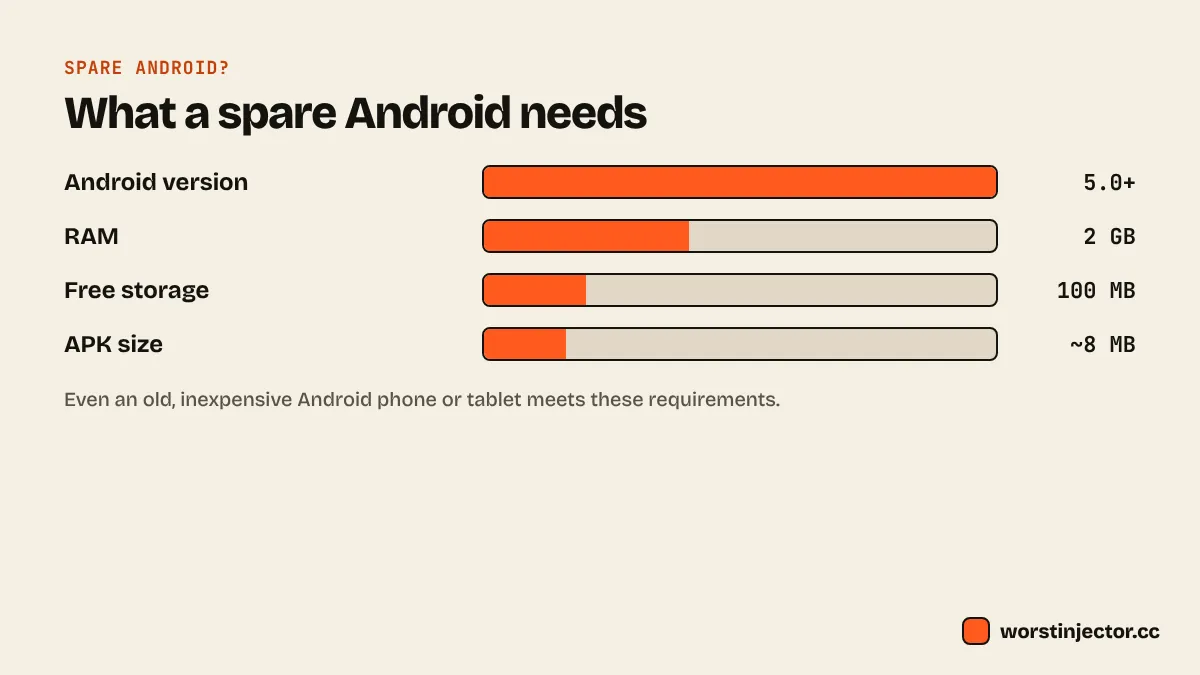
- Use an Android phone or tablet. Even an older, cheap Android device can run Worst Injector (Android 5.0+, 2 GB RAM). Log into your Mobile Legends account there.
- Use free skins from events. Mobile Legends regularly gives free skins and trial cards through events, daily log-ins and the redeem code page.
- Try skins with trial cards. Trial skin cards let you use a skin for a few days before deciding whether it’s worth buying.
- Wait for discounts. Many skins are discounted during anniversaries and seasonal events.
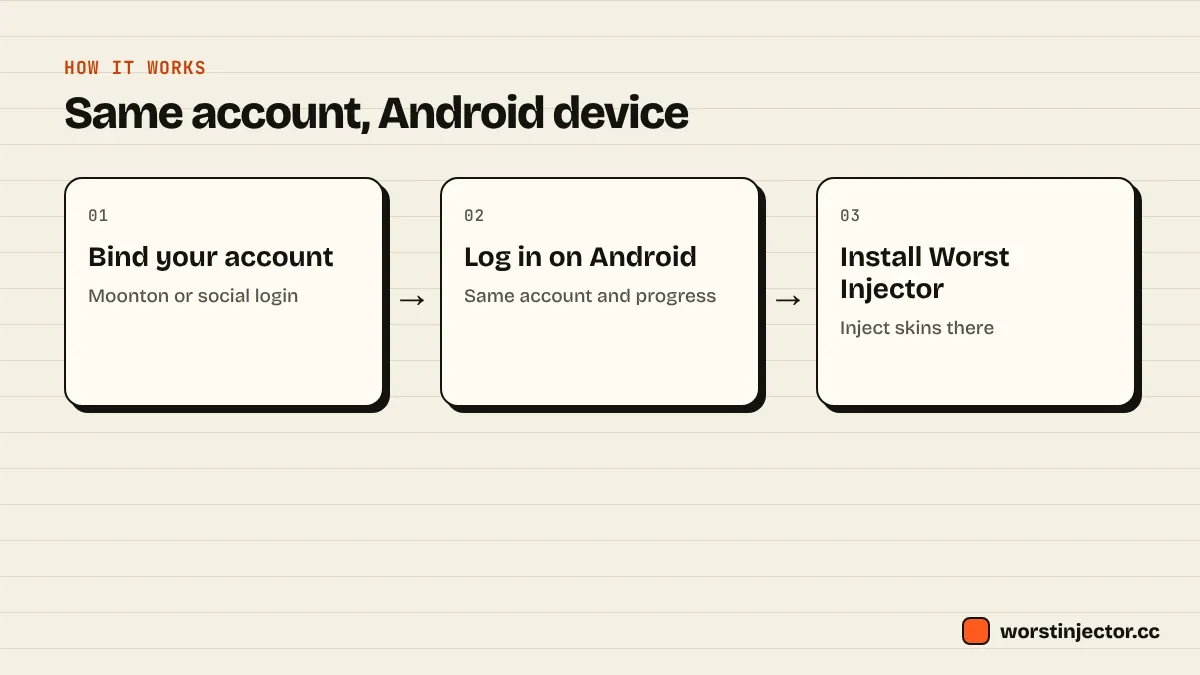
Using Worst Injector on Android with your iPhone account
Your Mobile Legends account isn’t locked to one phone. If it’s linked to Moonton, Google, Facebook or another login, you can sign in on an Android device too.
Remember that injected skins are only visible on the device where you injected them. When you go back to your iPhone, you’ll see your normal skins.
FAQs
Is there a Worst Injector IPA file?
No. An IPA is the iOS app format, and Worst Injector has never been released as one. Any IPA labeled “Worst Injector” isn’t the real app.
Can I use Worst Injector on iPad?
No. iPadOS has the same restrictions as iOS, so the answer is the same as for iPhone.
Will Worst Injector ever come to iOS?
It’s very unlikely, because iOS doesn’t let apps change other apps’ files.
On Android? Get the latest Worst Injector APK and read is Worst Injector safe? before you start.