Is Worst Injector Safe? Ban Risk Explained (2026)
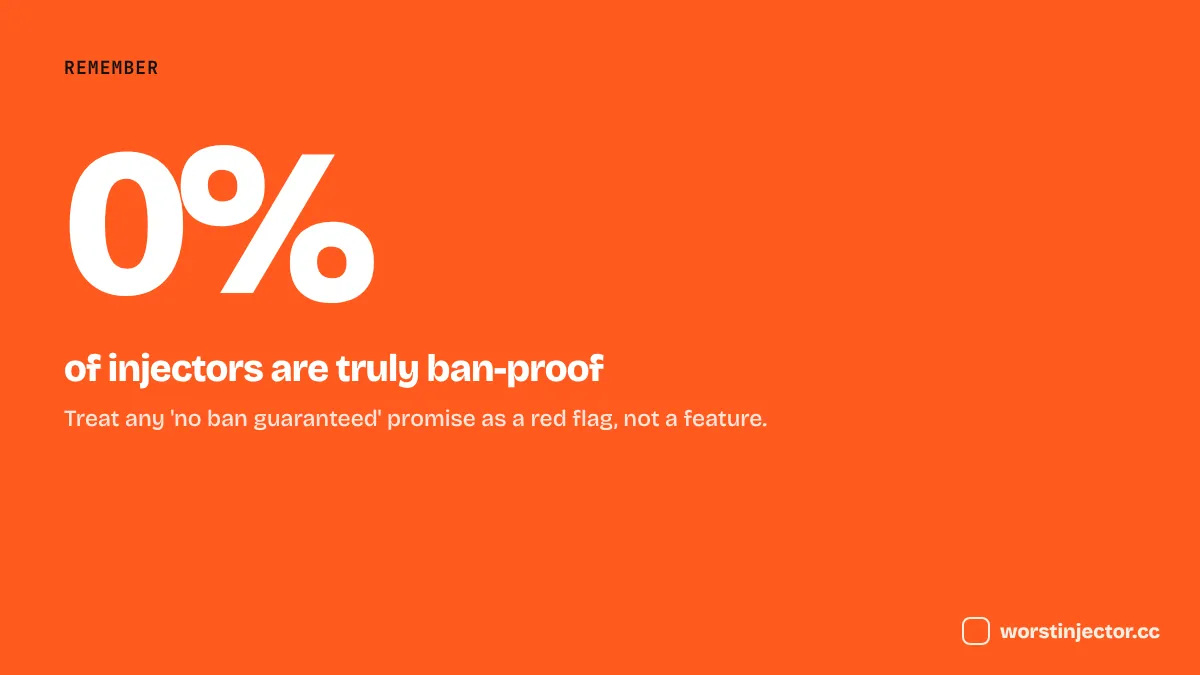
“Is Worst Injector safe?” is the question we get more than any other. The honest answer has two parts: the app itself is low risk when you get it from a clean source, but no injector is 100% ban-proof. Any site that promises “no ban” isn’t telling you the whole story.
This guide explains what the risk actually is, what gets accounts flagged, and the habits that keep that risk as low as possible.
Short answer: Worst Injector only changes visual files on your phone, so the ban risk is low, but it isn’t zero. The bigger danger is downloading a fake or modified APK that steals your account.
Two kinds of “safe”: your phone and your account
When players ask whether Worst Injector is safe, they usually mean one of two things:
- Is it safe for my phone? Will it install malware, steal data or damage my device?
- Is it safe for my account? Can Moonton ban my Mobile Legends account for using it?
These have different answers, so let’s take them one at a time.
Is Worst Injector safe for your phone?
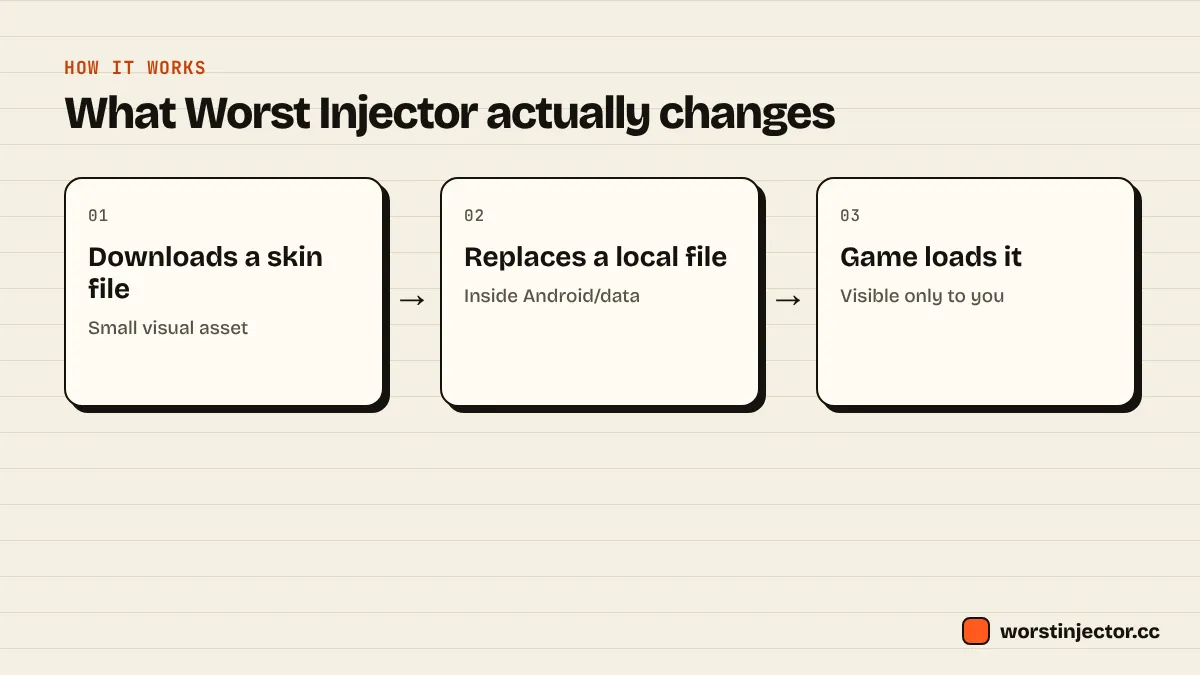
The genuine Worst Injector APK is a small app (about 8 MB). It asks for storage access so it can reach the Mobile Legends folder, and that’s all it needs. It doesn’t need your contacts, SMS, location or your game login.
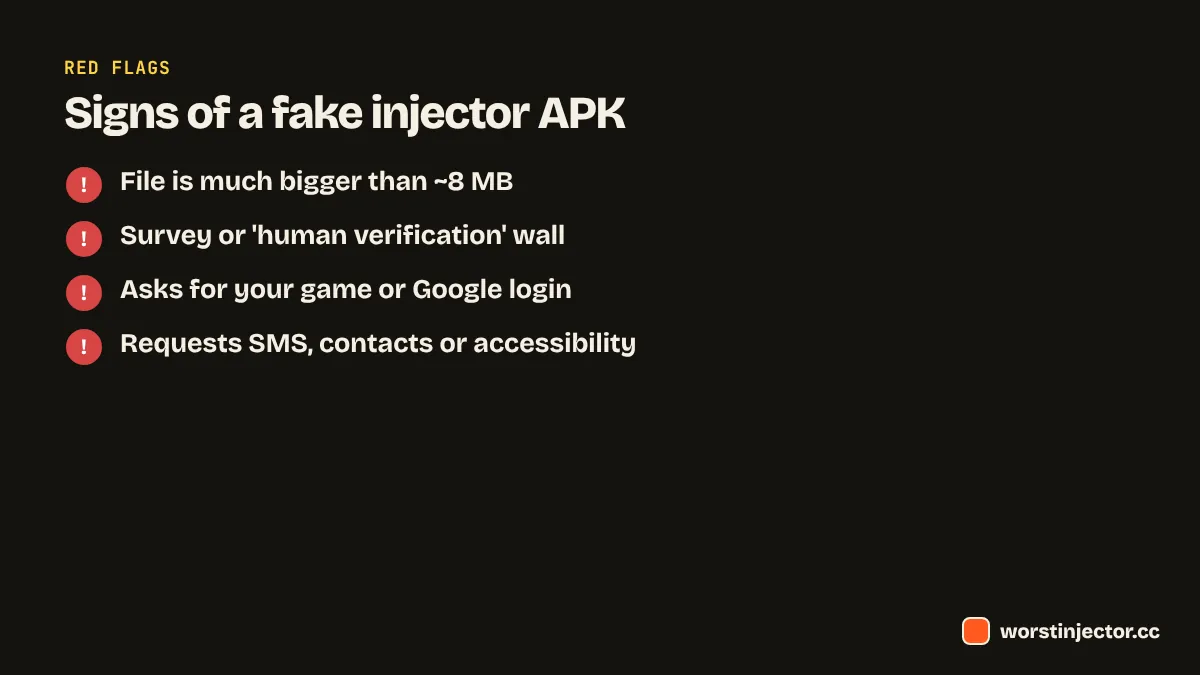
The risk comes from where you download it. Because Worst Injector isn’t on the Play Store, many sites re-upload it, and some add hidden code. Signs of a dangerous file:
- The APK is much bigger than about 8 MB.
- The site makes you complete a survey or install other apps first.
- The app asks you to log in with Moonton, Google or Facebook.
- It asks for permissions like SMS, contacts or accessibility services.
Always scan the file on VirusTotal before installing. It takes a minute and catches most modified APKs.
Can you get banned for using Worst Injector?
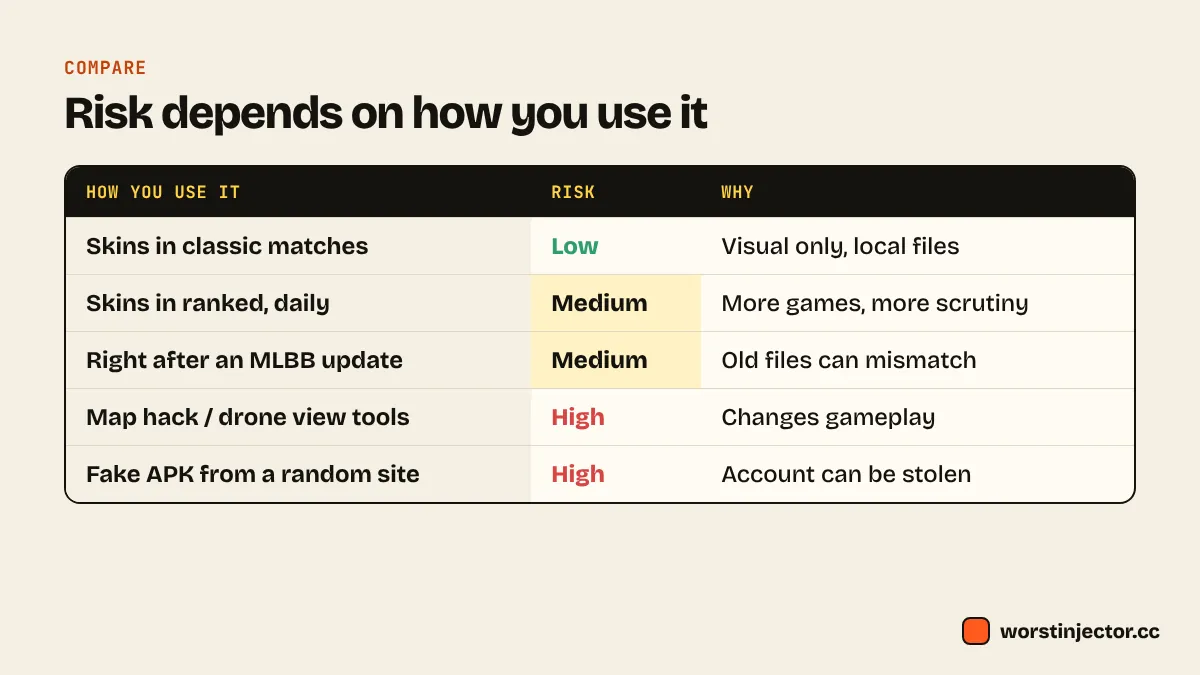
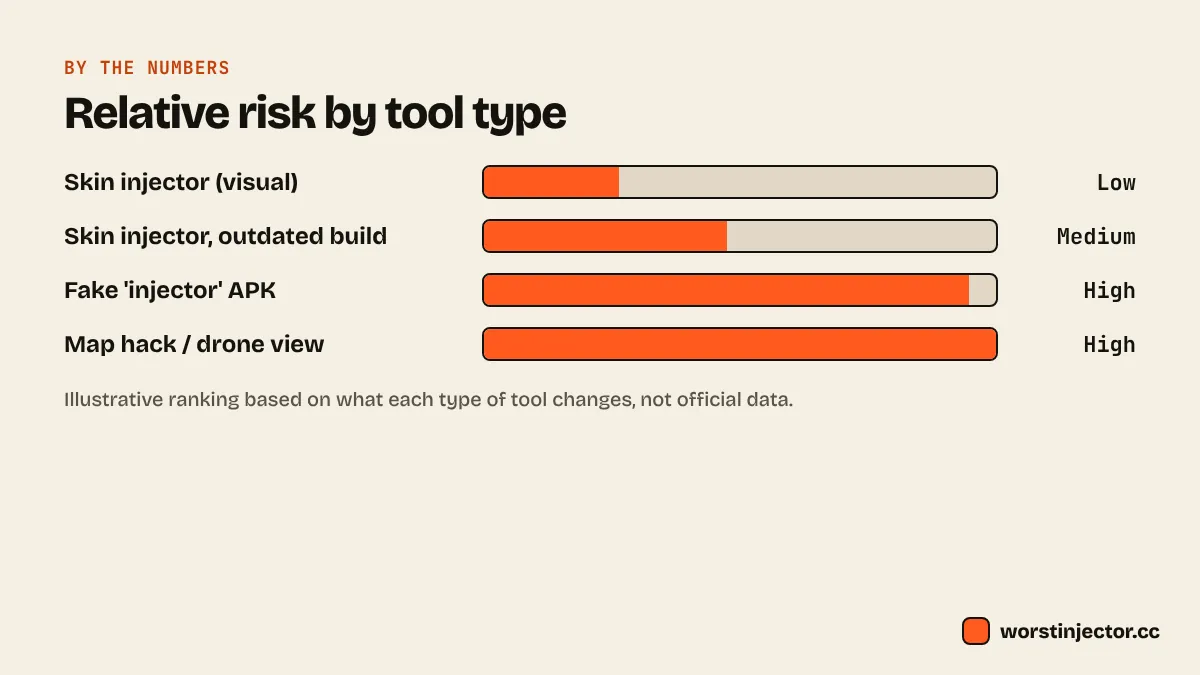
Yes, it’s possible, but it isn’t common for visual-only use. Here’s why the risk is lower than with other “hacks”:
- Changes are local. Injected skins are swapped on your device. Moonton’s servers still see your account’s real skins, and other players see your default or owned skin.
- No gameplay advantage. Skins, recalls and elimination effects don’t change damage, speed or vision. Tools that change match data (map hacks, drone view, auto-aim) are far riskier.
However, Moonton’s terms don’t allow third-party modifications, and the game does check for modified files. Detection methods change over time, so a method that’s fine today may not be tomorrow.
What actually gets accounts flagged
From what players commonly report, these are the situations that cause problems:
- Using outdated builds after a game update. Mismatched files can trigger errors or integrity checks. Always update to the latest version first.
- Combining skins with gameplay cheats. Running Worst Injector next to map hacks or drone-view tools puts your account at much higher risk.
- Logging into fake injectors. This isn’t a ban, but it’s worse. Your account is stolen and often sold.
- Being reported. Bragging about injected skins in chat or on stream makes it easy for others to report you.
How to lower your risk
You can’t make the risk zero, but these habits make a real difference:
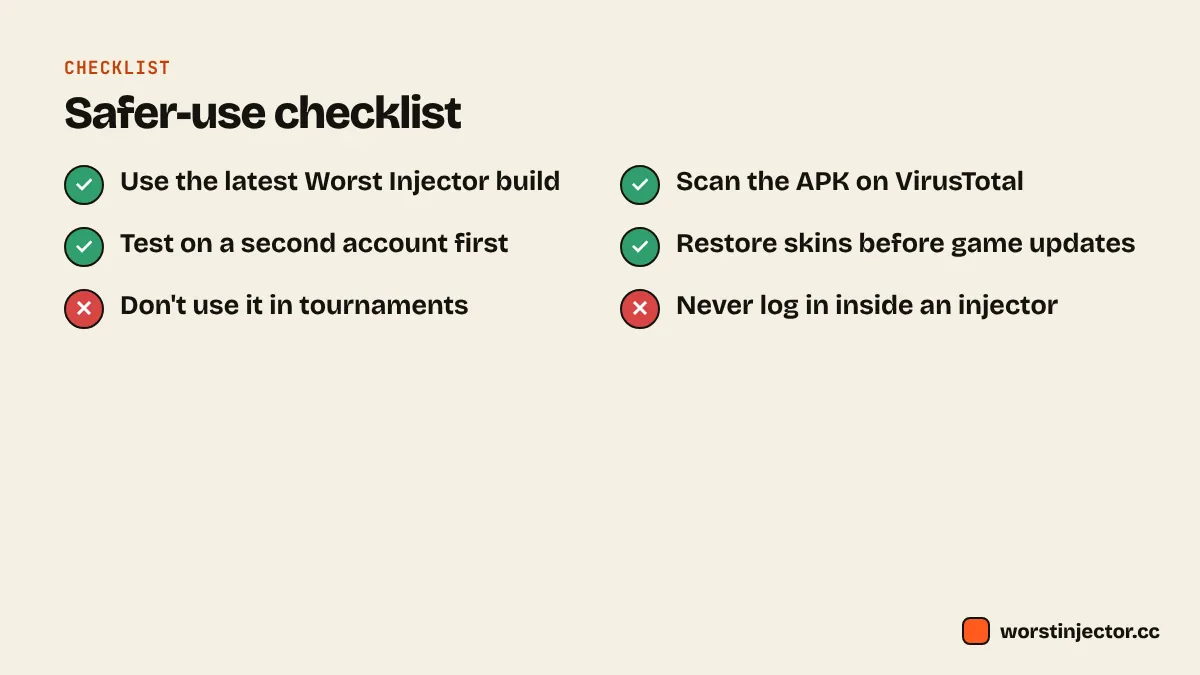
- Try it on a second account. Use a secondary account for a few days before using skins on your main.
- Wait after updates. After a Mobile Legends patch, wait 1–2 days for an updated injector build.
- Restore before updating. Use Restore/Reset before you install a game update. See our restore default skins guide.
- Keep it visual. Don’t combine Worst Injector with any tool that changes gameplay.
- Stay quiet about it. Don’t show injected skins in ranked chat or on stream.
What to do if you get a warning or ban
If Mobile Legends shows a warning about modified files:
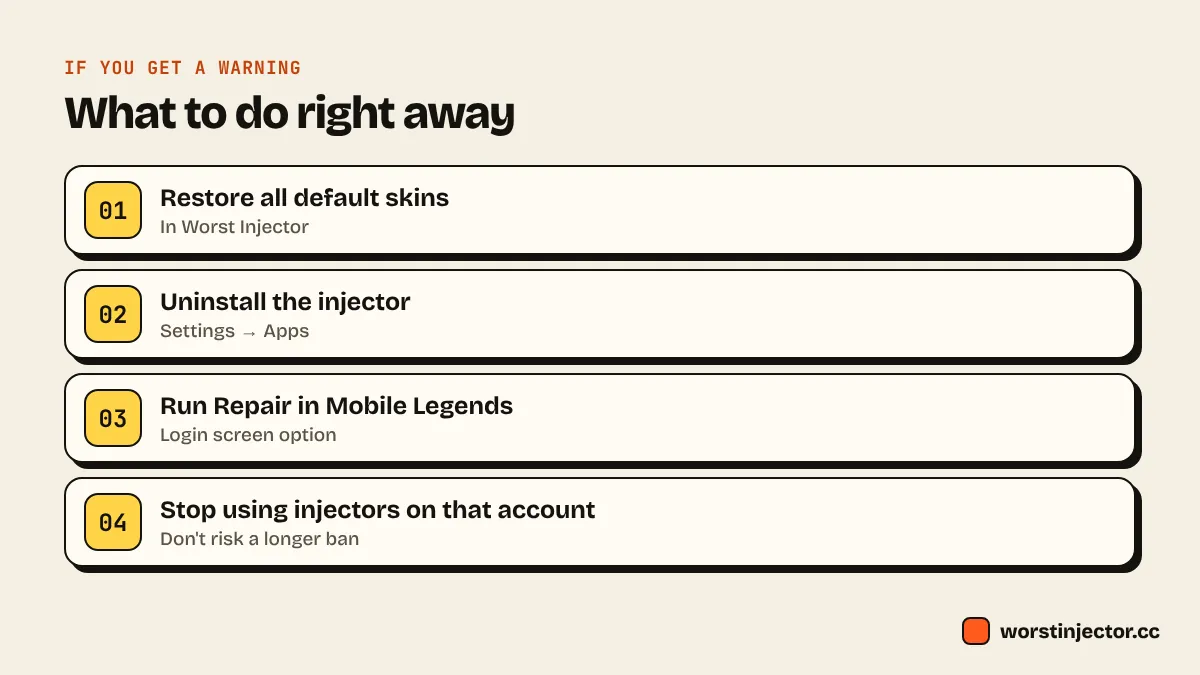
- Open Worst Injector and restore all default skins.
- Uninstall the injector.
- Use the in-game Repair option on the login screen to restore original files.
- Avoid using injectors on that account again.
Temporary bans usually expire on their own. If you think a ban was a mistake, you can contact Moonton support through the in-game customer service, but they won’t reverse bans for confirmed third-party modifications.
Is Worst Injector safer than other injectors?
Compared with tools that change gameplay, yes, because it only swaps visuals. Compared with other skin injectors, the risk is similar. What matters most is using an up-to-date, clean file. See our best ML injectors comparison for a side-by-side look.
FAQs
Is Worst Injector a virus?
The genuine app isn’t. Modified copies from untrusted sites can be. Check the file size (about 8 MB), avoid survey sites and scan the APK on VirusTotal.
Will other players report me for injected skins?
They can’t see them. Injected skins only appear on your device, so reports usually only happen if you tell people or show it on stream.
Can Moonton detect Worst Injector?
Moonton can detect some modified files, and detection methods change. That’s why the risk is low but never zero.
Is Worst Injector safe on my main account?
Many players use it on their main without problems, but the safest approach is to test on a second account first and avoid ranked if you’re worried.
Ready to try it? Get the latest Worst Injector APK and follow our step-by-step install guide.